
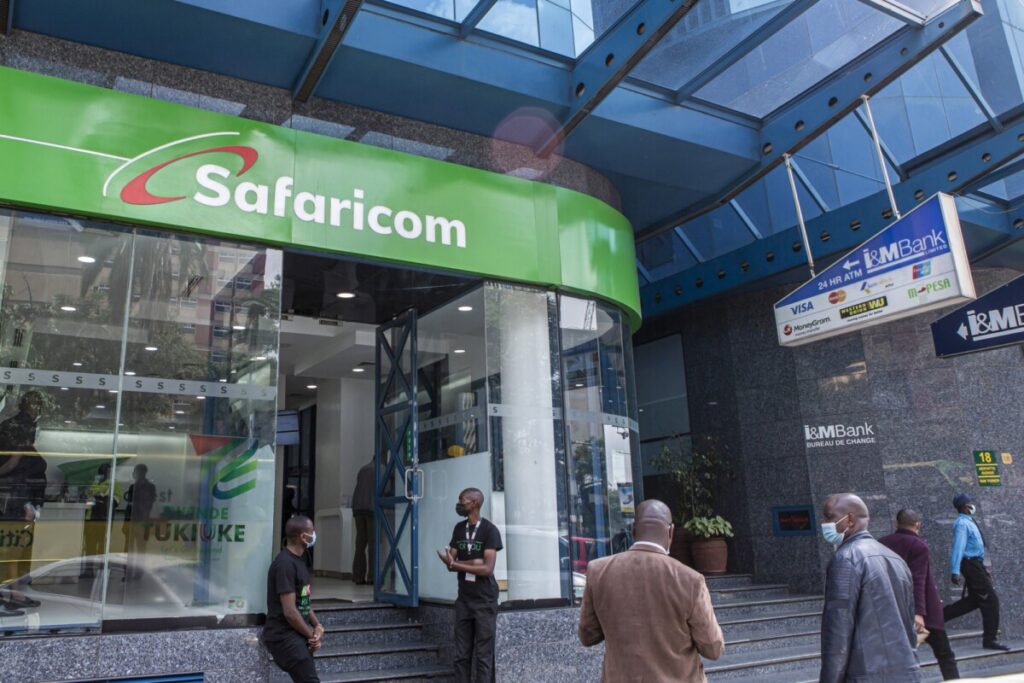
Safaricom has introduced Split Notifications, also known as M-PESA Jumbe, a new merchant feature for Lipa Na M-PESA Till (Buy Goods) and Paybill numbers that aims to improve customer privacy and cut down on constant interruptions for business owners.
The service is purely a notification layer. It does not change how payments are processed, settled, or routed. Instead, it sends limited, real-time alerts to nominated staff while giving the paying customer a privacy-safe receipt they can safely show or forward.
Problems the Safaricom Split Notifications Feature Solves
Before Jumbe, staff often had to call the business owner or ask customers to display their full M-PESA SMS confirmation to verify a payment. Those messages typically include the customer’s account balance and personal details. Owners were frequently interrupted, and customers risked exposing sensitive information such as their balance, full name, and phone number.
How It Works
When a customer pays at a Till or Paybill that has the Safaricom Split Notifications activated, three SMS messages are triggered almost simultaneously:
- The merchant (owner) continues to receive the full standard M-PESA transaction notification, including balance and all usual details.
- Nominated staff receive a limited Jumbe alert containing the transaction reference, amount, business name, shortcode, the customer’s JumbeID, and date/time. It excludes the merchant’s balance, transaction history, PIN, and the customer’s full name or phone number.
- The paying customer receives a privacy-safe Jumbe receipt with the transaction code, amount, business name or Till/Paybill number, date/time, and their own JumbeID. It contains no balance, full name, or phone number.
Customers still receive their normal M-PESA confirmation SMS (with balance) in addition to the Jumbe receipt.
What Is a JumbeID?
A JumbeID is a privacy alias that replaces the customer’s full name and phone number in all Jumbe messages. It is generated from the first initial of the first name, the first initial of the last name, and the last two digits of the phone number. For example, Nancy Kamau with a number ending in 74 becomes NK_74.
It is not fully anonymous, as regular customers may still be recognizable in small shops, and in rare cases two people can share the same JumbeID. In those situations the unique transaction reference serves as the distinguishing identifier.
How Merchants Activate and Manage the Feature
Only the Admin or Primary Operator (Nominated Number) can turn Split Notifications on for a shortcode. Activation is available via USSD (*234#) and the M-PESA Business Hub; support in the M-PESA Business App was planned for a later release. Merchants must accept the Terms & Conditions, which are logged for audit, and re-accept them if the terms change.
Once activated, Business Managers and Operators can manage recipients subject to the business’s maker-checker approval rules.
To add a staff recipient:
- Select the shortcode.
- Enter the staff member’s name and Safaricom number.
- Authenticate with M-PESA Operator ID and PIN.
- An acceptance code is sent to the staff member via SMS.
- The staff member must actively consent by dialling the USSD code in the SMS and entering the acceptance code (dual consent is required).
- Notifications begin only after consent is confirmed. Nominations expire if not accepted within a defined window; the merchant can resend or re-nominate.
Key limits and rules of the Safaricom split notifications feature include a maximum of 50 recipients per shortcode (active and suspended recipients count toward the limit; deleted ones do not). Only active Safaricom numbers registered on M-PESA can be nominated. Non-Safaricom numbers, Tills, or Paybills cannot.
Merchants can remove, suspend, or reactivate recipients at any time. Suspension stops notifications immediately but keeps the person on the list (no re-consent needed to reactivate). Removal is permanent and requires re-nomination plus re-consent. All actions and consents are logged for audit.
Controls for Nominated Staff
Staff receive only the limited Jumbe alerts and can manage their preferences via USSD (*234# → Manage Split Notifications, or the direct code from the nomination SMS). Options include pausing or activating individual shortcodes or all at once, and permanently opting out of individual shortcodes or all (the merchant is notified and must re-nominate). Pausing is temporary and private; the merchant is not notified. Opting out is permanent and does notify the merchant. No smartphone or data connection is required—the service works on feature phones.
What Customers Need to Know
No registration or opt-in is required for the Safaricom split notifications feature. The Jumbe receipt is sent automatically when a customer pays a merchant who has enabled the feature. If a customer does not receive a Jumbe SMS, the merchant has not activated Split Notifications for that Till or Paybill (they will still receive the normal M-PESA confirmation). Safaricom has not indicated a customer-side opt-out for the Jumbe receipt.
Security and Compliance
The Safaricom split notifications feature requires merchant authentication (Operator ID + PIN) to nominate staff and dual consent (merchant nominates + staff accepts). It follows data-minimisation principles: staff and Jumbe receipts receive only the minimum information needed. The design complies with Kenya’s Data Protection Act 2019. Staff are never given access to merchant account balances, history, or PIN. A lost staff phone exposes only incoming limited Jumbe alerts and does not grant access to any M-PESA account.
Availability
Safaricom Split Notifications is live for Till and Paybill numbers under Lipa Na M-PESA. Merchants must enable it themselves; it is not automatic. The feature does not affect the underlying payment processing. Safaricom has indicated it may extend the service to other products, such as Pochi la Biashara, in the future.