
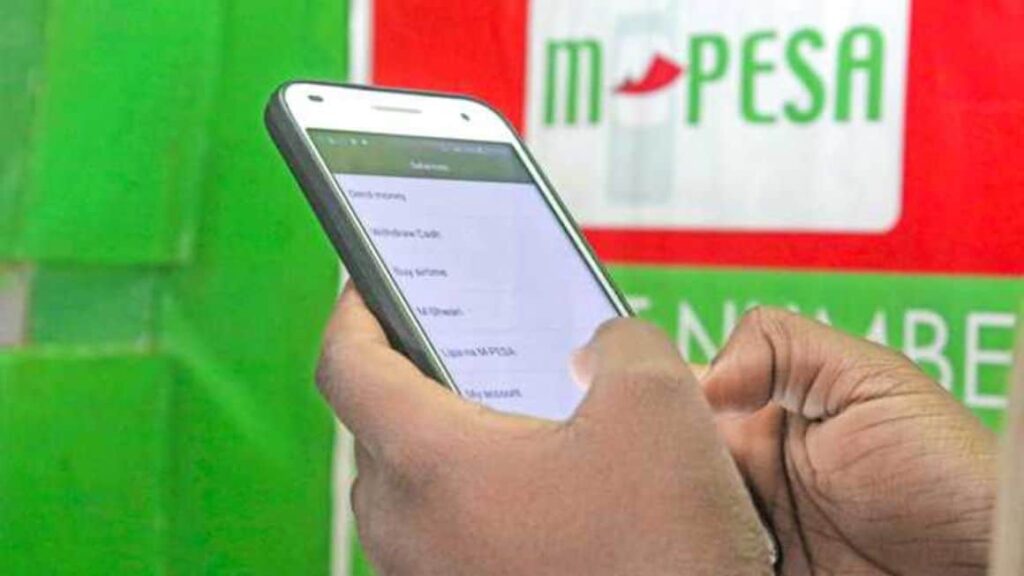
Safaricom has added a new layer to Kenya’s mobile money ecosystem with Shiriki Pay, an M-PESA feature that allows one user to grant another controlled access to spend directly from their wallet. Instead of transferring money each time, the primary wallet holder authorises a beneficiary to make specific merchant payments within set limits. The balance remains in the owner’s wallet until a transaction is completed.
In a market where shared digital finance is usually built around cards, sub-accounts, or pre-funded wallets, Shiriki Pay introduces a different structure, a permission-to-spend model linked to a single M-PESA balance. That design choice sets it apart from both local alternatives and global fintech products.
Safaricom Shiriki Pay is the first shared digital wallet in Africa to formalise shared spending through permissions instead of transfers.
How Shiriki Pay Works
Shiriki Pay allows an M-PESA customer to add another phone number as a beneficiary. Once approved, that beneficiary can pay selected merchants directly from the primary wallet, subject to rules defined by the owner.
Spending limits can be set daily or monthly. Transactions are restricted to merchant payments such as Buy Goods, Paybill, and Pochi la Biashara. Cash withdrawals at agents and person-to-person transfers are blocked. Every transaction triggers a real-time notification to the wallet owner, who can change limits or revoke access instantly using the M-PESA app or USSD.
Because there is no initial “Send Money” transaction, the user avoids transfer fees. Charges only apply at the point of merchant payment, using standard M-PESA rates.
Operational Impact on Everyday Use
For households and small organisations, Shiriki Pay changes how delegated spending is managed. Parents can issue a lunch or transport budget without sending cash or topping up a separate line. Small businesses can allow staff to pay for fuel or supplies without approving each payment manually. Homeowners can let a house manager pay utility bills without giving full wallet access.
The common thread is reduced friction. Funds are not moved out of the primary wallet in advance, and access can be adjusted in real time. That lowers the administrative overhead associated with repeated transfers and reconciliations.
Why the Model Is Different
Direct wallet access, not sub-accounts
Most shared wallet products globally rely on fragmentation. Services such as Revolut <18, Greenlight, or Apple Cash Family require money to be transferred from the main account into a separate wallet or card. Once transferred, the funds are no longer available to the original holder.
Shiriki Pay keeps the balance intact. The beneficiary spends directly from the owner’s M-PESA wallet, and funds only leave when a merchant is paid. This removes the need to guess how much to preload and avoids idle balances sitting elsewhere.
Built-in spending guardrails
Global wallets often prioritise convenience, with lighter restrictions on how funds can be used. In some cases, beneficiaries can forward money to others via peer-to-peer transfers.
Shiriki Pay is designed to prevent diversion. By blocking cash withdrawals and P2P transfers, it ensures money allocated for groceries, utilities, or business expenses is used only for those purposes. Controls are enforced at system level rather than relying on user discipline.
Cost structure without extra layers
Traditional M-PESA use involves a fee to send money, followed by another fee when the recipient spends it. Card-based youth or family wallets often add monthly subscription fees or card issuance costs.
With Shiriki Pay, the initial transfer fee disappears because no transfer takes place. The only charge is the merchant payment fee. Over time, especially for frequent small transactions, this can reduce total costs.
Accessibility Across Devices
Another point of differentiation is hardware requirements. Many global shared wallet solutions assume smartphone access and, in some cases, a linked bank account. Others depend on physical debit cards that can be lost or stolen.
Shiriki Pay is tied to the SIM and the M-PESA network. It works through the M-PESA app, the My Safaricom app, SIM Toolkit, or via USSD on basic feature phones by dialing *234#. This allows both the wallet owner and the beneficiary to use the service without smartphones or bank accounts, extending access beyond urban or banked users.
How to Activate Shiriki Pay
Shiriki Pay can be set up through multiple channels:
- M-PESA App: Open the Shiriki Pay section, add a beneficiary number, and set spending limits.
- USSD: Dial *234*11# and follow the prompts to add a beneficiary.
- My Safaricom App or SIM Toolkit (STK).
Once activated, limits can be adjusted or access revoked at any time.
Jefferson Wachira is a writer at Africa Digest News, specializing in banking and finance trends, and their impact on African economies.